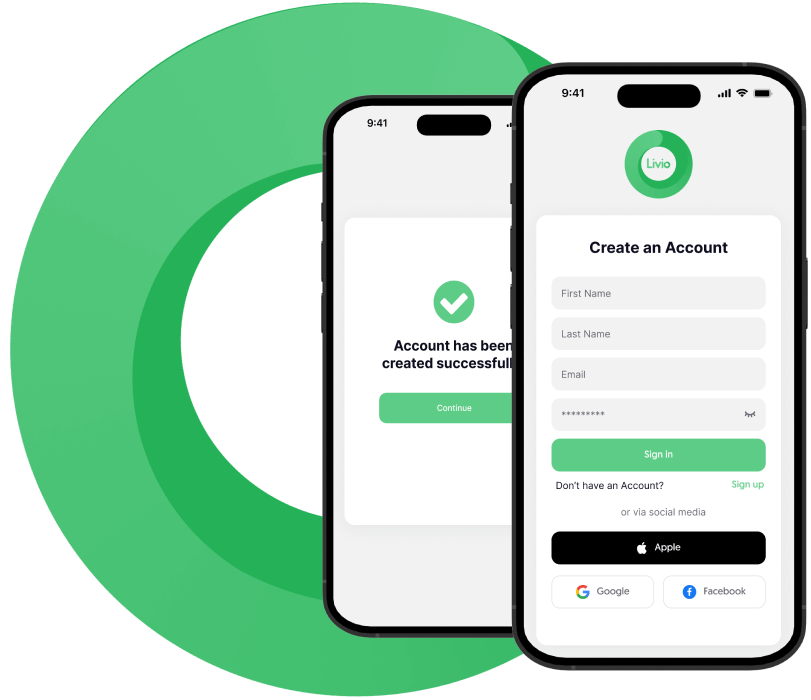
Getstarted in under 2 minutes. Createyour free Livio account and meet Kai - your personal AI weightloss coach whowill guide youfromdayone.
Step 2: Set Your Weight Loss Goals Through Livio Chat
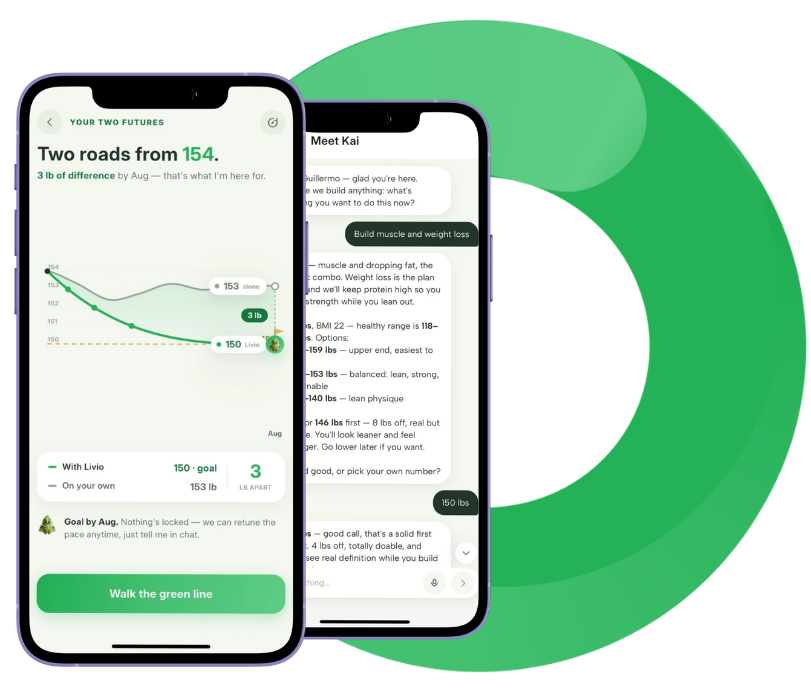
No forms, no dropdowns, just tell Kai what you want in your own words. Say you want to lose weight, and Kai talks it through with you right in the chat: your target weight, a healthy range for your body, and how fast you want to get there. He explains the trade-offs (faster vs. gentler pace) so you choose with real information, then locks in your personalized daily calorie and protein targets.
Step 3: Connect With Apple Health or Health Connect
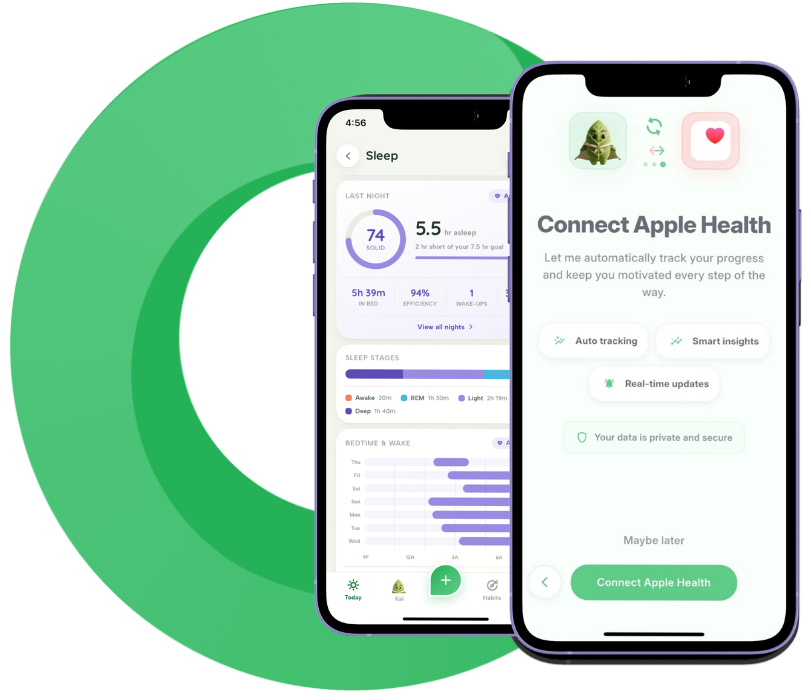
Link Livio to Apple Health (iOS) or Health Connect (Android) so Kai can automatically pull in your steps, workouts, and activity no manual entry required. It’s optional, private, and secure, and it means your plan updates itself as your real-world activity changes.
Step 4: Set Your Habits and Get Your AI-Guided Weekly Weight Loss Plan
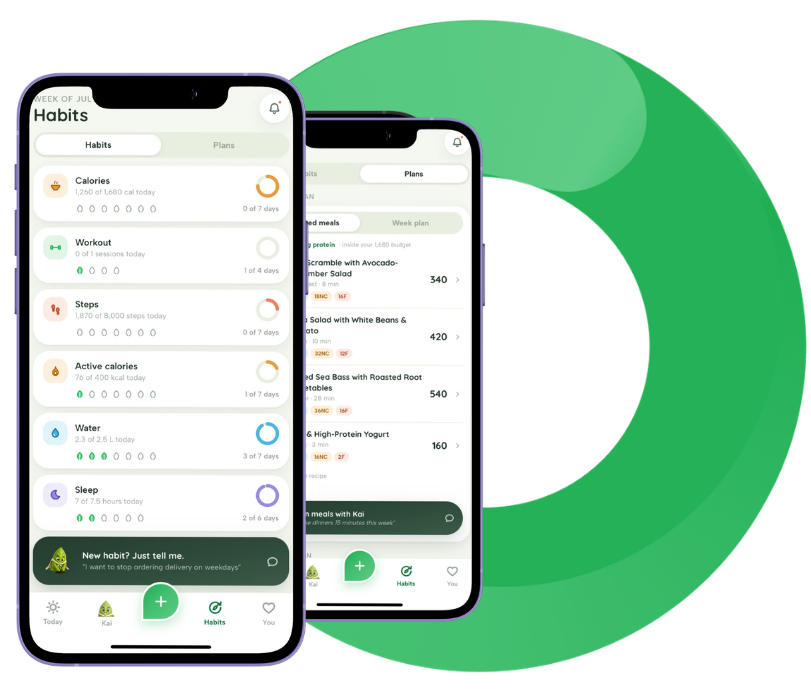
Choose the habits that matter to you, calories, workouts, steps, active calories, water, and sleep and Kai builds your weekly weight loss plan around them. This is where your daily targets come to life: a calorie zone, a protein goal, and clear daily habits you can actually keep up with, not a rigid schedule that falls apart the first busy week.
Step 5: Start Losing Weight - Guided by AI Every Day
This is where your weight loss journey begins. Each day, Kai guides you through the habits that drive real fat loss - what to eat, when to move, how to sleep better, and how to stay on track.
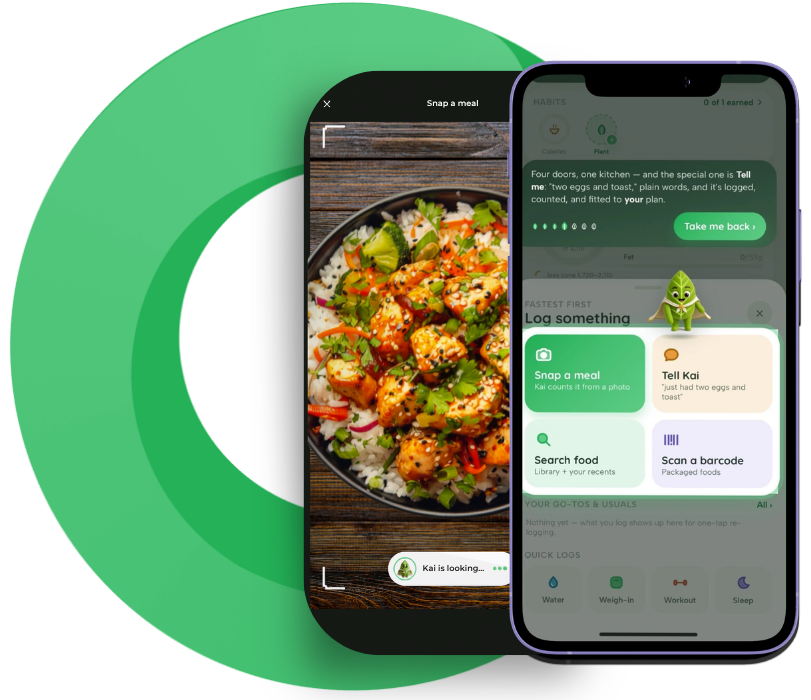
Snap a photo of your meal, search the food library, scan a barcode, or just tell Kai what you ate in plain words “two eggs and toast” and it’s logged, counted, and fitted to your plan instantly.
Step 6: Watch Your Weight Loss Progress Build
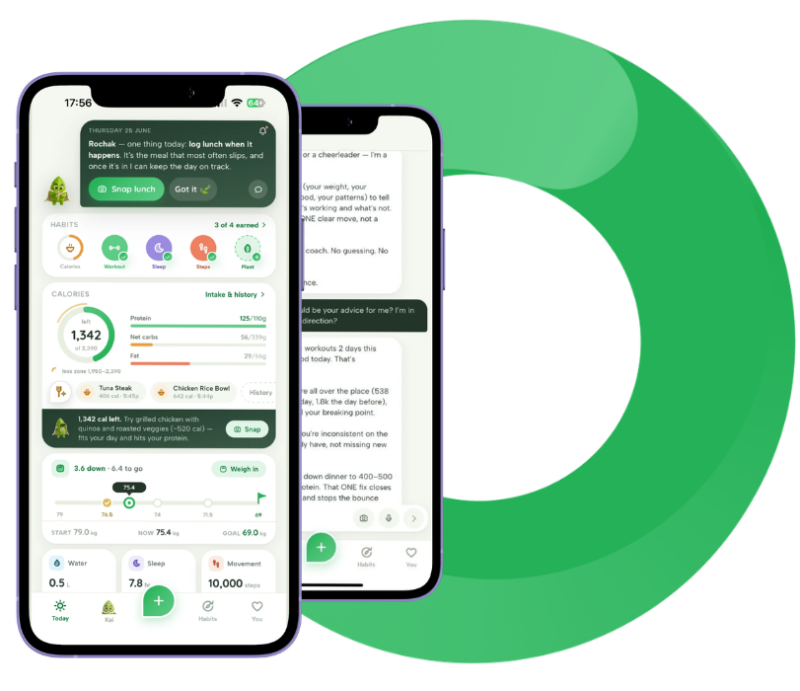
As you build your routine, Kai tracks every factor affecting your weight, calories, movement, sleep, stress, and hydration. You’ll see your progress clearly in the app and understand exactly what’s working.
Kai checks in on you regularly with personalized feedback. If your weight loss slows down, he tells you why and what to adjust, so you’re never stuck guessing.
Step 7: Let Kai Adjust Your Weight Loss Plan Anytime
Hit a weight loss plateau? Life changed? Just tell Kai. He’ll adjust your calorie targets, swap your workout plan, or shift your fasting schedule, whatever it takes to keep the weight coming off.
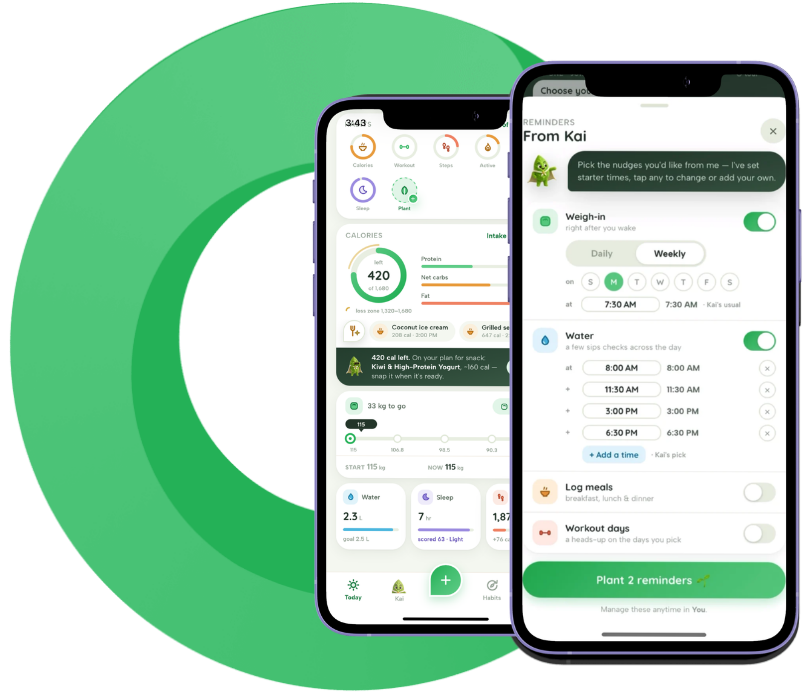
Kai also keeps you on track with smart screen reminders, a nudge to weigh in right after you wake, gentle check-ins to log water throughout the day, and heads-up alerts for meals and workout days. You choose which reminders you want and when, right from the app.
Most weight loss programs fail because they can’t adapt. Kai can. Your AI-guided weight loss plan evolves with you, so you never have to start over.
Step 8: Use AI-Powered Weight Loss Tools
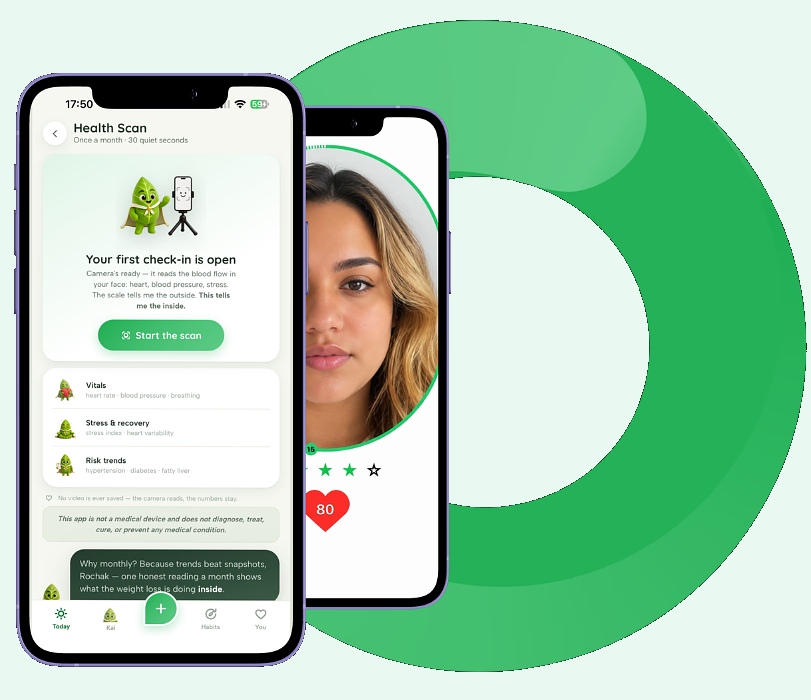
Livio gives you the smartest weight loss tools available in one app. Scan a food barcode or snap a photo of your meal, Kai automatically identifies it and counts the calories. Use the AI Health Scan to check how stress and sleep are affecting your weight loss, right from your phone’s camera.
Set your intermittent fasting window and let Kai remind you when to eat and when to fast. Sync your Apple Watch, Fitbit, or Garmin to track your calorie burn automatically. And anytime you need guidance, Kai is your 24/7 AI weight loss coach, always ready to answer questions, suggest workouts, plan meals, and keep you motivated.